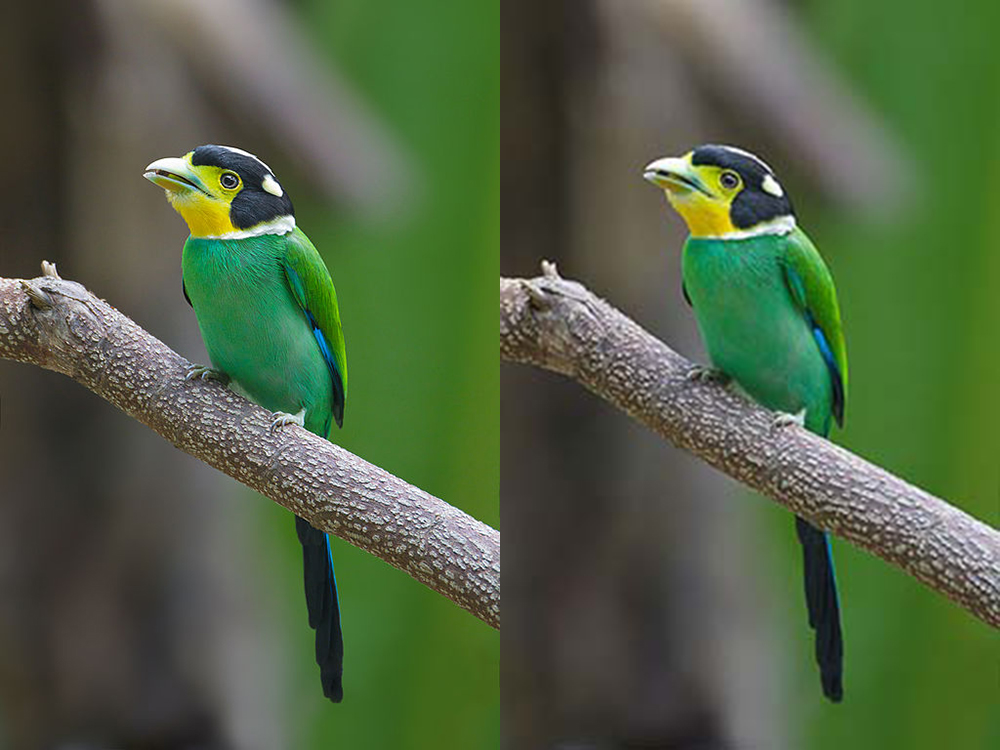
What Can the Human Eye Actually See in Pixels?

There's a real, physical limit to how much detail a human eye can make out — and past a certain point, exporting at a higher resolution changes nothing about what you actually see. This isn't opinion, it's optics: the eye has a finite number of photoreceptors in the retina, and once each on-screen pixel drops below the size those photoreceptors can resolve at a given viewing distance, adding more pixels stops making any difference.
The concept behind it: "pixels per degree"
Ophthalmologists measure visual acuity in cycles per degree — how many pairs of light and dark lines an eye can distinguish within one degree of your field of view. A healthy, young human eye, under optimal conditions, manages around 60 cycles per degree, which in pixel terms works out to roughly 120 pixels per degree of vision. This is the science behind the "Retina Display" concept Apple popularized in 2010: it isn't empty marketing, it's a real calculation of the pixel density at which, at a typical viewing distance, the average human eye stops being able to tell individual pixels apart.
Distance changes everything
This is the detail most people overlook: the limit isn't just about the screen, it's about the screen at a given distance. A phone is held 25-30 cm from your face, so it needs a lot of pixel density (400+ ppi) for the eye not to make out the grid. A TV is watched from 2-3 meters away, so far lower density (40-50 ppi) is already indistinguishable — which is why a 55-inch 4K television doesn't need anywhere near the pixel density of a phone screen to look just as sharp at the distance you actually watch it from. Buying more resolution than your viewing distance can put to use is, literally, paying for pixels your eye can't see.
Why this matters for compressing images
Here's the practical payoff, and the reason for this article: if you're displaying a photo at 1080 pixels wide, exporting it at 4000 pixels wide doesn't add a shred of perceived quality — the browser will scale it down to display it, and your eye, on top of that, couldn't tell the difference even if it didn't. All that uploading an unnecessarily large file gets you is a longer load time and more mobile data burned, with zero real visual gain. This is exactly what we covered in the article on social media image sizes: exporting at the actual display size, no more and no less, isn't a shortcut — it's simply what the eye's own physiology lets you get away with.
So does compression always go unnoticed?
No — there's a separate limit for that, and it's important not to confuse it with the resolution one. Resolution has a ceiling of usefulness (past a certain point, you don't see any more detail). Compression, on the other hand, if pushed too aggressively, introduces new artifacts — blocking, color banding, halos — that the eye picks up on easily, precisely because they're a different pattern from the original image, not simply "more of the same." That's why compressing well isn't just "less weight is always better": it's about finding the point where there's no real detail left for your eye to appreciate, but no new artifacts have appeared that it would notice either.
You can test this on your own photos: compress them here and compare — the point where your eye stops noticing the difference almost always arrives much sooner than you'd think.