JPG vs PNG vs WebP vs AVIF: The Complete Format Guide
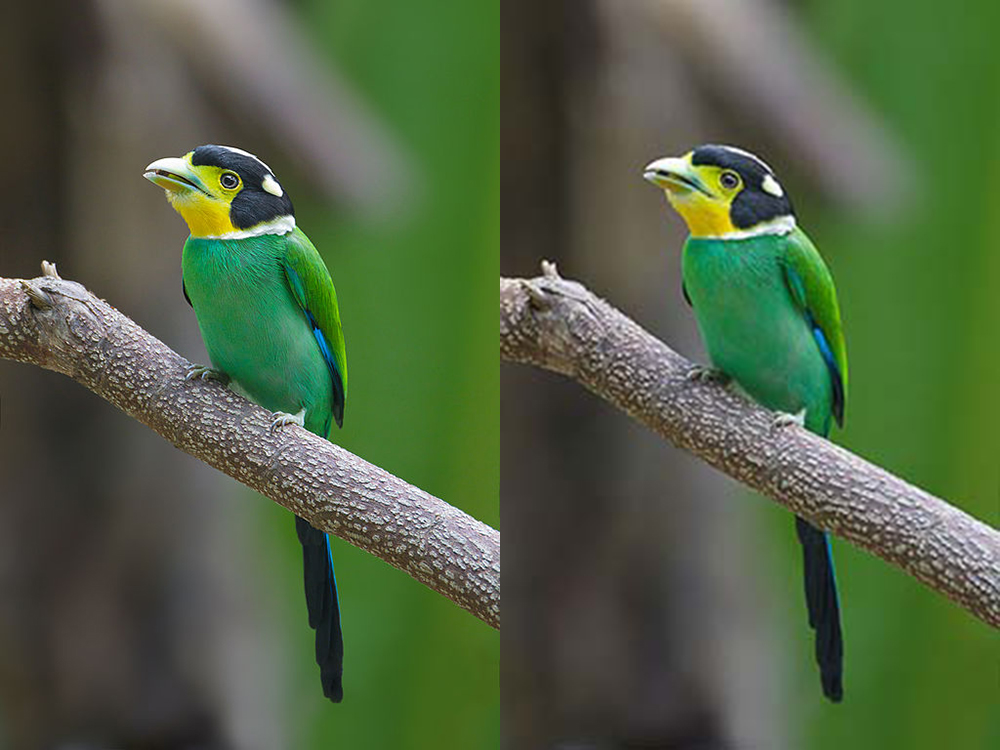
"Which format should I use?" has a different answer depending on what you're saving, and most guides out there get it wrong because they treat the four formats as if they were competing on equal footing. They're not: JPG and PNG have been solving different problems for 30 years, and WebP and AVIF are each a direct upgrade over one of the two. Let's go through them one at a time.
JPG: photographs, never graphics with text or hard edges
JPG compresses "lossy" — it discards real image information to reduce size, betting that the eye won't notice. It works very well on photographs because they have smooth, continuous color transitions, which is exactly where the JPG algorithm (based on the discrete cosine transform) is most efficient. It fails visibly in two cases: text or straight lines with high contrast (where those blurry halos appear around edges, known as block artifacts), and any image that needs transparency, because JPG simply doesn't support it.
Use it for: photographs, product images with a background, anything with lots of color tones.
PNG: graphics, screenshots, anything with transparency
PNG compresses "lossless" — the decompressed file is pixel-for-pixel identical to the original. That makes it perfect for logos, icons, screenshots, and any image with real transparency (the famous alpha channel), but it comes at a cost: on photographs, a lossless PNG can weigh 5 to 10 times more than a JPG of visually equivalent quality, because it's trying to perfectly preserve something that doesn't need that level of perfection to look good.
Use it for: logos, icons, screenshots, graphics with text, anything with transparency.
WebP: a direct upgrade over both of the above
WebP, created by Google in 2010, does something unusual: it supports both lossy compression (like JPG, but more efficient — 25 to 35% lighter at similar visual quality, according to Google's own figures) and lossless compression with transparency (like PNG, but also more efficient). In practice, this means WebP can replace both your JPGs and your PNGs with a noticeable size saving, without any visible difference in quality. Browser support stopped being an issue years ago — today it's practically universal.
Use it for: practically everything, unless you need compatibility with very old software that doesn't recognize it.
AVIF: even lighter, with one caveat
AVIF (2019) applies the AV1 video compression codec to still images, and in compression benchmarks it typically outperforms WebP — often 20 to 50% lighter at comparable quality, depending heavily on the image content. The caveat is twofold: encoding an AVIF is computationally slower than WebP (something that only matters if you're processing thousands of images on a server, not if you're converting a few ones every now and then), and while browser support is already high, it's still a step behind WebP in universal compatibility.
Use it for: when file size is the absolute priority and you can accept the small compatibility risk, or as a progressive enhancement alongside a WebP fallback.
The quick reference table
- Photo for the web → WebP (or AVIF if you want to squeeze out the last byte)
- Logo or icon → PNG, or lossless WebP if size matters
- Screenshot with text → PNG
- Image with transparency → PNG or WebP, never JPG
- Maximum compatibility with any old software → JPG for photos, PNG for everything else
You can see the real size difference with your own images: convert to WebP here, right in the browser, and compare the resulting file with the original.