Pixels, Resolution, and the Culture of Pixel Art

A pixel isn't a little square. That's the first misconception worth clearing up: a pixel is, in fact, a number — or three, if you're talking about color (one for red, one for green, one for blue). That it shows up on screen as a square is a decision about how those numbers get painted onto a grid, not a property of the pixel itself. That distinction — data versus representation — is what explains almost everything else in this article: why resolution isn't the same thing as sharpness, and why pixel art's blocky "look" is a chosen aesthetic, not a limitation people are stuck with.
Resolution is not the same as sharpness
Resolution is just the number of pixels — how many cells are in the grid. Perceived sharpness depends on much more: how densely those pixels are packed in real physical space (how many fit per inch), how far away you're viewing them from, and the optical quality of the screen. A 4000×3000-pixel image viewed on a small phone looks sharper than that exact same image stretched across a giant cinema screen, even though the pixel count is identical — because on the cinema screen each pixel occupies far more physical space and your eye starts to make out each one individually. Resolution is a technical figure; sharpness is an experience that depends on the context in which it's viewed.
From technical limitation to aesthetic choice
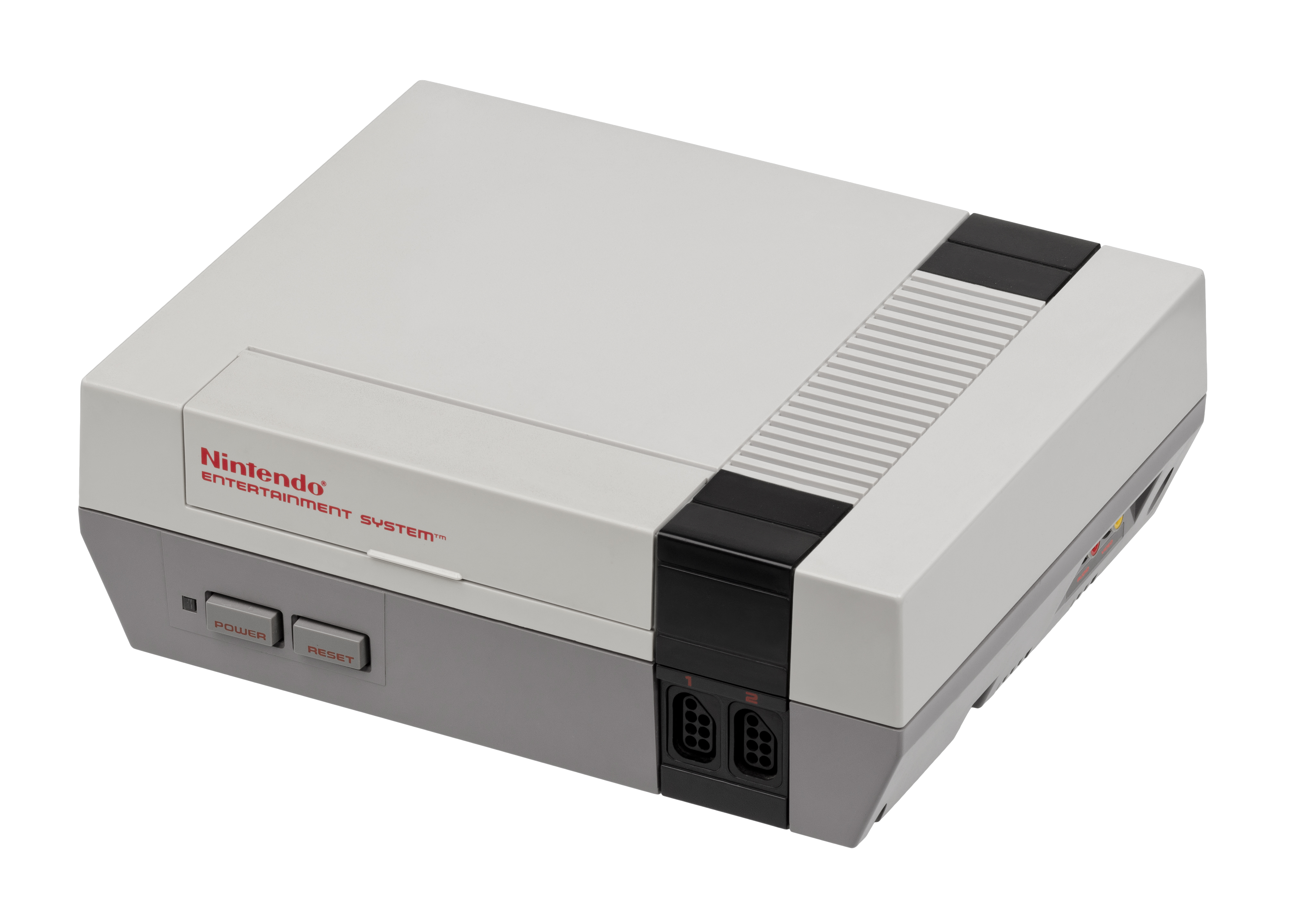
In the 1980s, home computers and early consoles had no choice: memory was so scarce that graphics had to be built from grids with very few pixels (the Nintendo Entertainment System worked with 8×8 or 8×16-pixel sprites) and an extremely limited color palette. The pixel art of that era — Mario, the space invaders, the earliest RPGs — wasn't an artistic choice, it was the only thing the machine could draw. The surprising part is what happened next: once hardware stopped forcing anyone to work that way, pixel art didn't disappear. It turned into a deliberately chosen style, with its own rules of composition (dithering, to simulate more colors than are actually available; hand-placed, pixel-by-pixel antialiasing) that are taught today as an artistic discipline in its own right, not as a historical accident.
Why pixel art is still alive in 2026
Massively successful indie games — Stardew Valley, Celeste, Undertale — choose pixel art even though photorealistic 3D graphics are within reach if they wanted them. The reasons are both practical and emotional: a small team can produce consistent pixel art without an entire animation department, the aesthetic connects directly with the nostalgia of anyone who grew up with those consoles, and — this is the less obvious part — a small, well-designed sprite can communicate emotion and intent just as clearly as a 50,000-polygon 3D model, only using a different visual vocabulary. The limitation became a language.
What this has to do with compressing your photos
The connection isn't as far-fetched as it seems: when you compress an image aggressively, you're essentially doing a modern version of the same thing that forced pixel art into existence — deciding what visual information can be sacrificed without it being noticed (or without it mattering). The difference is that today that sacrifice is automatic and nearly invisible (JPG or WebP algorithms decide for you what detail to discard), whereas in the 80s every pixel was placed by hand because there was no other option. Understanding what a pixel actually is helps explain why an image can be compressed a great deal without the eye noticing — the subject covered in the article on formats.
If you want to see how much you can compress an image before it's noticeable: try it here, in your browser, with nothing uploaded to any server.