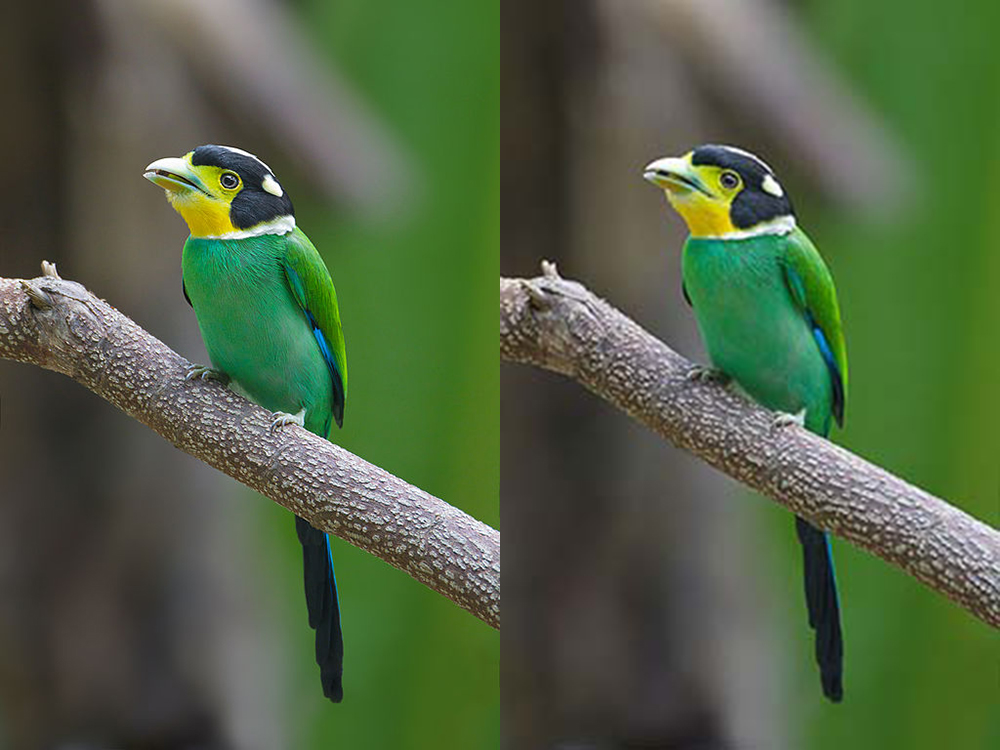
How to Convert JPG to WebP Online Without Visible Quality Loss

If you're searching for "convertir jpg a webp", you probably have a specific file and a specific limit to meet — file size, format, or compatibility. This guide gets straight to it: what to do, which tool to use, and how not to wreck quality along the way.
Why convert JPG to WebP in 2026
WebP is the format Google promoted as JPG's natural successor for the web — and in practice it delivers: at equivalent visual quality, files are typically 25–35% smaller. That is not a lab-only difference: on a product page with dozens of photos, it can mean several megabytes less per page load, with a direct impact on LCP and mobile experience.
Conversion does not require reshooting or reframing — only the compression container changes. If your JPG is already well compressed, moving to WebP at 80–85% quality usually hits the best balance. Start from a clean original, not a JPG that WhatsApp or another editor already compressed twice.

Step by step: JPG to WebP in the browser
Open SMALLIMG's JPG to WebP converter, drop your file, and pick an output quality. The preview shows resulting file size before download — compare with the original and adjust until savings are real without visible artifacts on high-contrast edges.
Before uploading to WordPress, Shopify, or any CMS, rename the file descriptively: blue-running-shoes.webp tells Google more than IMG_4821.webp. It takes thirty seconds and helps image SEO.

WebP vs JPG: when to stay on JPG
WebP works in all modern browsers, but JPG is still safer for old email clients, some print workflows, government portals that explicitly require JPG, and legacy enterprise tools.
For public websites, WebP is almost always the better choice in 2026. For email attachments or strict government uploads, check accepted formats first — see our guides on government portal size limits and sending photos by email.

Comparison with other tools
TinyPNG also outputs WebP, but uploads your files to its servers — relevant if you handle client or confidential photos. Squoosh, Google's tool, runs locally like SMALLIMG but targets technical users comparing codecs side by side.
SMALLIMG combines conversion and compression in one step, no account, no daily cap on the web version, and files never leave your browser. For a quick «I have a JPG, I need WebP ready to upload» workflow, it is the most direct path.

Common conversion mistakes
Converting an already over-compressed JPG to WebP does not restore quality — it only changes the format of the same degraded data. Blocky color around sharp edges means the source is the problem, not WebP.
Another frequent mistake is converting to WebP and then letting Instagram, WhatsApp, or a CMS compress again silently — double compression is the silent enemy of sharpness. Compress once, at the right point, before upload.
Try it with your own file: try it here — in the browser, without uploading anything to a server.